 English
 عربى
عربى Español
 中文简体
中文简体
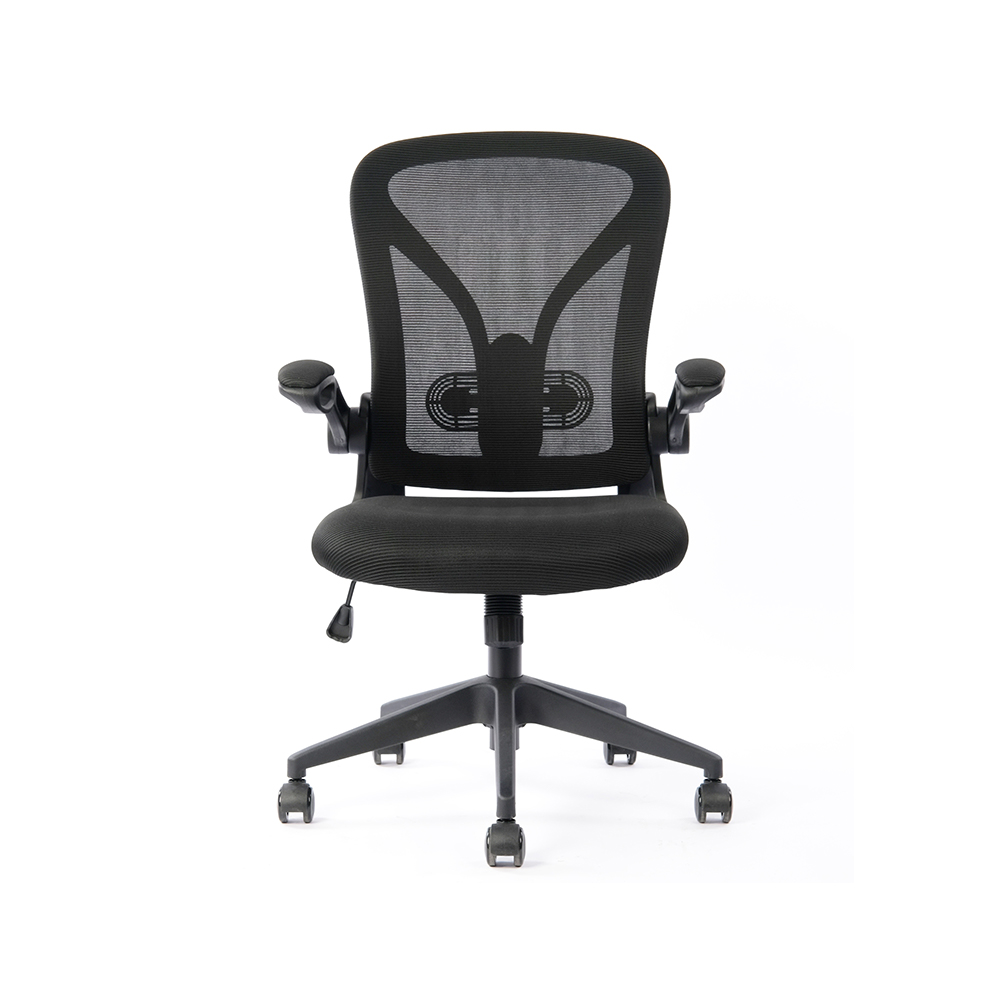
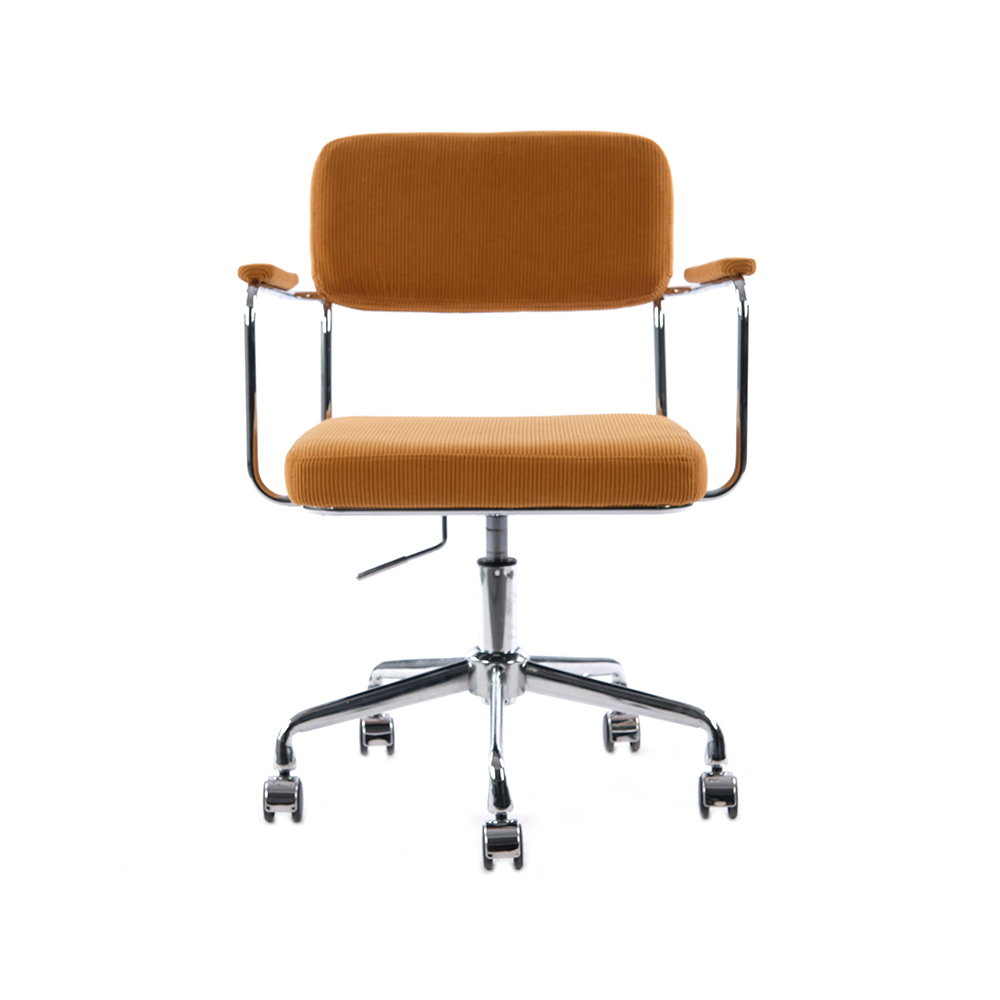
+86-0572-5888031

0
ENG
Best Ergonomic Chairs: What to Look For and Why It Matters
Best Ergonomic Chairs: What to Look For and Why It Matters
 2026.02.27
 Industry News
Content
A good ergonomic chair reduces back pain, improves posture, and boosts productivity — but only if it fits your body and work habits correctly. Not every chair labeled "ergonomic" delivers on that promise. The difference between a chair that genuinely supports you and one that just looks the part often comes down to a handful of specific, measurable features.
According to the Bureau of Labor Statistics, musculoskeletal disorders account for nearly 30% of all worker injury and illness cases in the U.S. — and prolonged sitting in a poorly designed chair is a leading contributor. Investing in the right ergonomic chair isn't a luxury; for anyone spending 6–10 hours a day at a desk, it's a practical health decision.
What "Ergonomic" Actually Means
Ergonomics is the science of designing tools and environments to fit the human body — not the other way around. An ergonomic chair is engineered to support the natural curves of your spine, reduce pressure on your hips and tailbone, and allow you to sit in a neutral posture without strain.
The key word here is adjustability. A chair that fits a 5'4" person perfectly may be all wrong for someone who is 6'2". True ergonomic chairs offer multiple points of customization so they can be dialed in for individual body types and tasks.
Essential Features to Look For
When evaluating an ergonomic chair, these are the features that have the most direct impact on comfort and spinal health:
Lumbar Support
The lumbar region — the lower portion of your spine — naturally curves inward. Without support, hours of sitting cause this curve to flatten or reverse, leading to chronic lower back pain. Look for chairs with adjustable lumbar support that can be moved up or down and in or out to match your specific spinal curve. Fixed lumbar pads are better than nothing, but adjustable systems are significantly more effective.
Seat Depth and Height
Seat depth should allow you to sit with your back fully against the backrest while leaving 2–3 inches of space between the front edge of the seat and the back of your knees. Seat height should position your feet flat on the floor with your thighs parallel to it. Most quality chairs offer a seat height range of 16–21 inches, covering the majority of adult heights.
Armrests
Armrests reduce stress on your neck and shoulders by supporting the weight of your arms. The best ergonomic chairs offer 4D armrests — adjustable in height, width, depth, and pivot angle. At minimum, height-adjustable armrests are essential. Armrests set too high push your shoulders up; set too low and you end up leaning to one side.
Backrest Recline and Tilt
Research published in the journal Spine found that a recline angle of 135 degrees minimizes spinal disc pressure compared to a standard 90-degree upright position. A chair with adjustable recline tension and a lockable tilt lets you shift between active work posture and a more relaxed position throughout the day — reducing static load on the spine.
Headrest
A headrest isn't necessary for everyone, but for those who frequently recline or have neck issues, an adjustable headrest provides important cervical spine support. It should be positionable at the base of the skull, not mid-neck.
Seat Material and Cushioning
Dense foam that holds its shape over time is preferable to soft foam that compresses quickly. Mesh seats offer breathability, which reduces heat and moisture buildup during long sessions. Fabric seats can be more comfortable initially but tend to trap heat. High-density foam or mesh suspension seating are the two most widely recommended options for all-day use.
Ergonomic Chair Comparison: Key Features at a Glance
The table below compares four widely recognized ergonomic chairs across the most important features:
| Chair | Lumbar Support | Armrests | Recline | Seat Depth Adj. | Price Range |
|---|---|---|---|---|---|
| Herman Miller Aeron | PostureFit SL (adjustable) | 4D | Yes, lockable | No (sized A/B/C) | $1,400–$1,800 |
| Steelcase Leap V2 | Adjustable (height + firmness) | 4D | Yes, dynamic | Yes | $1,300–$1,600 |
| Humanscale Freedom | Self-adjusting | Pivoting | Yes, counterbalance | No | $1,200–$1,500 |
| Branch Ergonomic Chair | Adjustable height | 4D | Yes, lockable | Yes | $350–$500 |
How to Set Up Your Ergonomic Chair Correctly
Even the best chair won't help if it isn't adjusted to your body. Follow this setup sequence for optimal posture:
- Set seat height first — feet flat on the floor, knees at roughly 90 degrees.
- Adjust seat depth — sit fully back, then check for 2–3 inches of clearance behind your knees.
- Position lumbar support — it should press gently into the curve of your lower back, not into your mid-back.
- Set armrest height — elbows should rest at roughly 90 degrees with shoulders relaxed, not raised.
- Adjust monitor height — top of screen at or slightly below eye level, about an arm's length away.
- Dial in recline tension — you should be able to recline with light pressure from your back without the chair being too stiff or too loose.
Spending 10–15 minutes on this initial setup pays off significantly. Studies from Cornell University's Human Factors and Ergonomics Research Group show that proper workstation setup can reduce discomfort by up to 40% compared to using unadjusted equipment.
Who Needs an Ergonomic Chair Most
While anyone who sits for extended periods benefits from ergonomic seating, certain groups have a more urgent need:
- People with existing back pain or disc issues — proper lumbar and pelvic support can dramatically reduce daily discomfort.
- Remote workers and office professionals sitting 6+ hours daily — cumulative strain without ergonomic support adds up quickly over months and years.
- Gamers and content creators who log long uninterrupted sessions — neck and shoulder tension are especially common in this group.
- People in recovery from injury — an ergonomic chair supports the healing process by reducing additional mechanical stress on the spine.
Common Mistakes When Buying an Ergonomic Chair
Many buyers end up dissatisfied because they make avoidable errors during the purchasing process:
- Choosing based on aesthetics alone. A chair that looks sleek in marketing photos may lack the adjustability that actually prevents pain.
- Ignoring size specifications. Most ergonomic chairs are designed for people of average height (5'5"–6'0"). Taller or shorter users should specifically look for chairs with extended height ranges or size-specific models.
- Skipping the adjustment phase. Buying an ergonomic chair and not adjusting it is like buying prescription glasses and never putting them on.
- Assuming higher price always means better fit. A $1,500 chair isn't automatically better for your body than a $400 one — fit and adjustability matter more than brand prestige.
- Not testing before buying. Whenever possible, try a chair in person or take advantage of return policies. Most reputable brands offer 30-day trial periods.
Is an Ergonomic Chair Enough on Its Own?
An ergonomic chair is a critical component of a healthy workspace, but it works best as part of a broader approach to sitting health. Even the best chair cannot fully counteract the effects of completely static sitting for 8–10 hours straight.
The NHS and most occupational health guidelines recommend breaking up sitting time every 30–60 minutes with brief movement — even just standing or walking for 1–2 minutes. Combining a well-adjusted ergonomic chair with regular movement breaks, a correctly positioned monitor, and a keyboard at elbow height creates a setup that genuinely protects your musculoskeletal health long-term.
If budget is a barrier, prioritize adjustable lumbar support and seat height above all other features — these two adjustments deliver the most measurable benefit and are present even in mid-range ergonomic chairs in the $300–$500 range.
QUICK LINKS
PRODUCTS
CONTACT & INFORMATION
-
 PHONE NUMBER
 -
 EMAIL
EMAILstellazhang@yimiga.com
-
 ADDRESS
No 366, Jingtu Road, Dipu Street, Anji County, Huzhou City, Zhejiang province, China. PC 313300.
CONNECT WITH US
Be the first to know about our news and updates.


Copyright © Zhejiang Zhongyi Furniture Co., Ltd.
All Rights Reserved.
 浙公网安备33052302000377号
浙ICP备14003933号-2
浙公网安备33052302000377号
浙ICP备14003933号-2
 Wholesale Ergonomic Chair Manufacturers