 English
 عربى
عربى Español
 中文简体
中文简体
+86-0572-5888031

0
ENG
Best Ergonomic Home Office Setup 2025-2026: A Chair-First Buying Guide
 Home / Media / Industry News / Best Ergonomic Home Office Setup 2025-2026: A Chair-First Buying Guide
 Best Ergonomic Home Office Setup 2025-2026: A Chair-First Buying Guide
 2026.10.27
 Industry News
Content
The most common failure in a home office is not the chair and not the monitor: it is the gap between them. A seat dialled down to 420 mm under a fixed 760 mm desk traps the thighs, so the occupant slides forward, loses back contact and starts the working day already slouched.
Putting together the best ergonomic home office setup for 2025 and 2026 is mostly an ordering problem. Choose the chair first, size the desk to the chair, then place the screen against the eye height that results. Monitor arms, footrests and task lamps are fine-tuning around those three decisions, not substitutes for them.
450-505 mmSeat height travel on a typical adjustable task chair; the range has to cover your popliteal height
720-750 mmWork surface height that suits most adults once the chair is set correctly
90-100 degreesElbow angle to aim for when the keyboard is in use
What Actually Makes a Home Office Ergonomic
An ergonomic setup is one in which seat height, work surface height and screen position are all derived from the user's own measurements, so the joints sit near the middle of their range instead of at the end of it.
An ergonomic home office is a workspace where chair, desk and display are adjusted to the person using them: feet flat, hips and knees near 90 degrees, elbows close to 90 degrees, and the top of the visible screen near eye level.
That definition is mechanical on purpose. It removes taste and brand from the decision and leaves four contact points to check: feet, pelvis, forearms and eyes. When one of them is unsupported, the body compensates somewhere else, usually the lower back or the base of the neck, and the compensation shows up as a dull ache three hours in rather than three minutes in.
- Hips and knees open to roughly 90 degrees, both feet flat on the floor or on a stable footrest.
- Elbows bent near 90 degrees, forearms level with the desk, shoulders dropped rather than lifted.
- Screen set so the top line of text sits just below eye level, head balanced over the shoulders.
Seat height sets everything above it, so it is the first dial to turn. Set the seat so the feet rest flat, then raise or lower the desk until the elbows sit at keyboard height with the shoulders down. Most adults land between 720 mm and 750 mm on the desk once the chair is right, which is why a fixed 760 mm desk only suits the taller end of the range.
The Chair Decides Comfort: Specifications Worth Checking
Spend the largest share of the budget on the chair: a mid-range desk under a correctly set chair beats a premium desk under a badly set one.
Retail copy describes chairs with adjectives, which makes comparison almost impossible. Specification lines are far more useful, and the ones below translate directly into comfort at a home desk.
| Specification | Common range | Why it matters |
| Seat height travel | 450-505 mm | Must reach your popliteal height so the feet stay flat |
| Seat width | 480-520 mm | Leaves 20-30 mm clearance either side of the hips |
| Seat depth | 460-500 mm | Two to three fingers of clearance behind the knee |
| Lumbar support | Adjustable, 180-250 mm above seat | Fills the inward curve of the lower back instead of pushing the pelvis forward |
| Armrests | 2D or 3D adjustable | Takes load off the shoulders and still slides under the desk |
| Gas spring | Class III or Class IV | Holds height under repeated load instead of sinking through the day |
| Base radius | 300-350 mm | Keeps the chair stable when the backrest is reclined |
| Recline mechanism | Synchronic tilt with tension control | Changes hip angle without breaking contact with the backrest |
Two lines carry more weight than the rest. Seat height travel has to reach your popliteal height, or the feet end up on tiptoe and the whole chain above the hips collapses. Lumbar support has to be height-adjustable, because a fixed pad that lands 40 mm too low pushes the pelvis forward instead of supporting it.
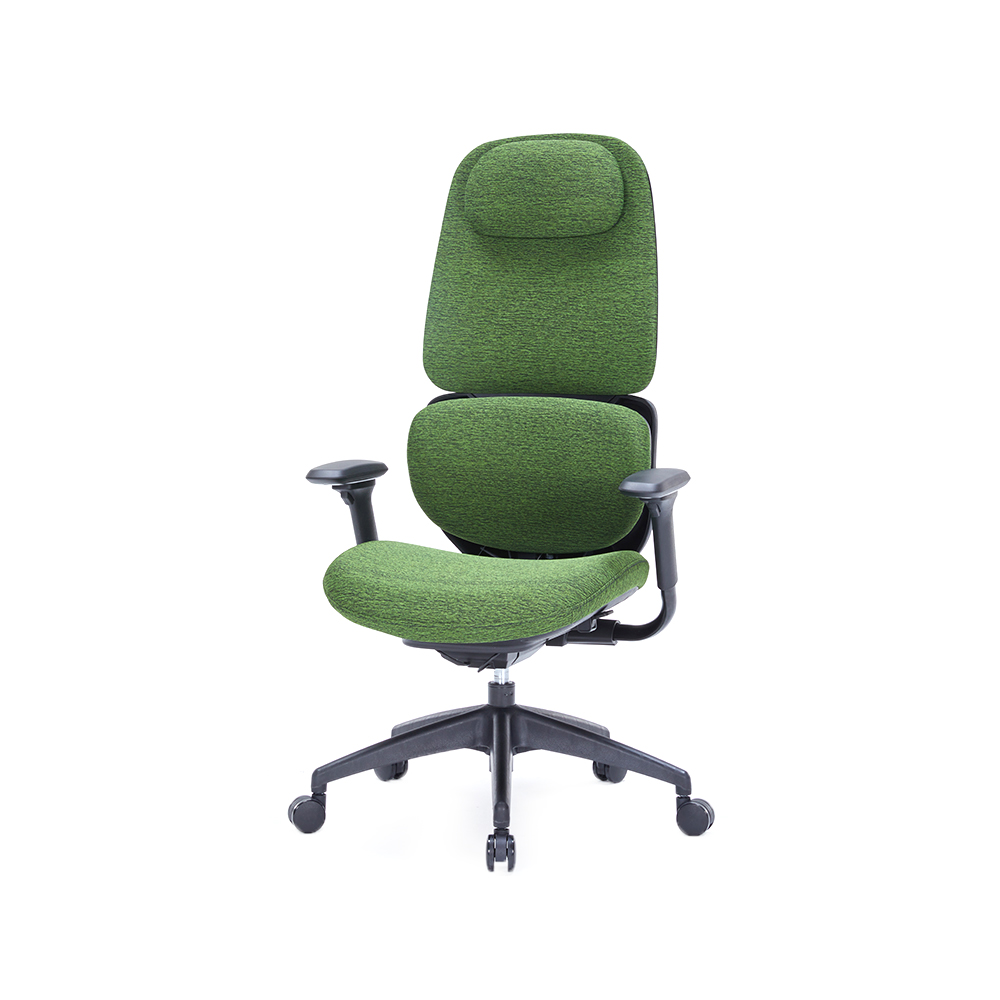 ZY-6813 Mesh Office Chair with 520 mm SeatDouble mesh back and adjustable lumbar support suit small home offices, while the 520 mm seat and 3D armrests support long sessions.View Product →
Seat width is the quiet one. A 520 mm seat gives most adults the clearance described above, and anything narrower encourages weight to shift onto one hip during long sessions. A mesh back also earns its place in a small room: it moves air, which matters more in a spare bedroom with the door closed than in a ventilated office.
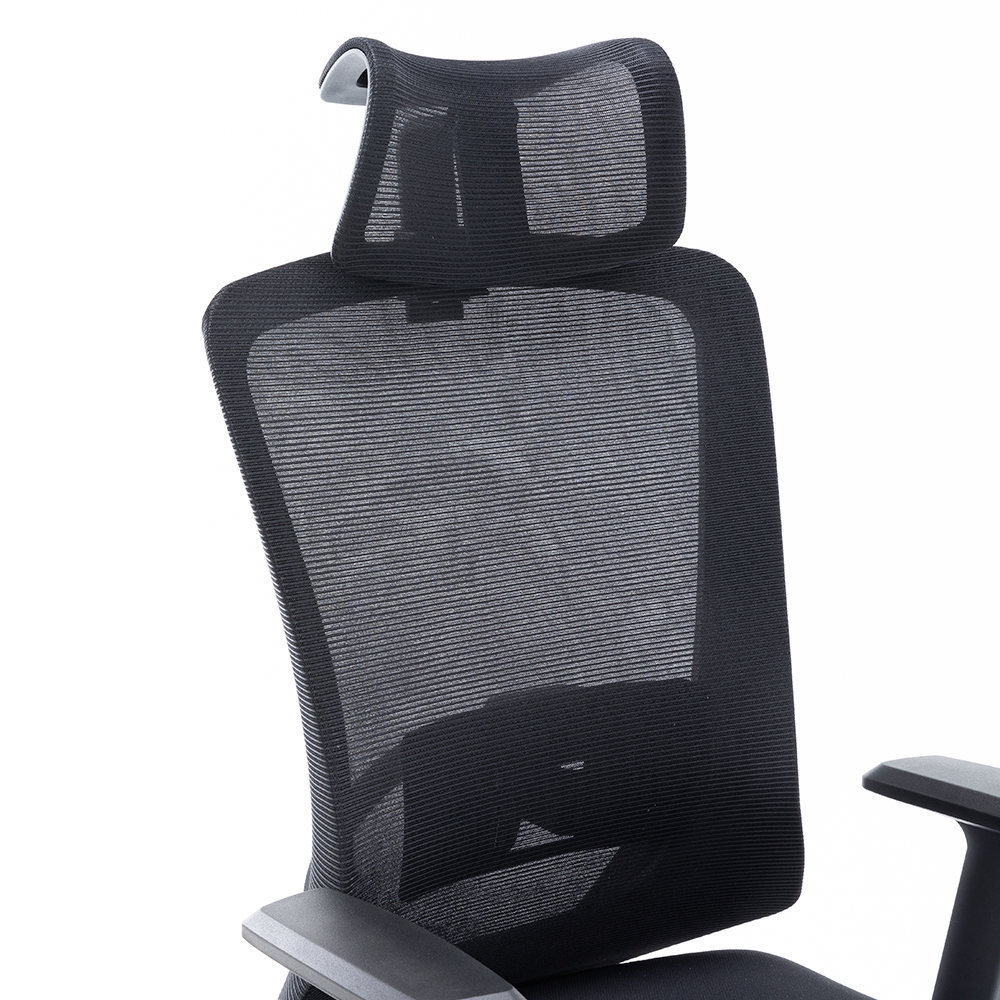 ZY-6009 Mesh Office Chair with Synchronic Tilt MechanismSynchronic pallet mechanism tilts seat and back together; adjustable tilt tension and mesh back support synchronized reclining in shared workspaces.View Product →
The recline mechanism matters more across a full day than across a short one. A synchronic tilt moves seat and back together, so the hip angle opens while the back stays in contact, and the tension control lets each user set how much resistance that movement has.
Gas spring class is a durability question rather than a comfort question. Class III and Class IV springs are rated to hold height under repeated load, and a cheap spring that slowly sinks turns a correctly set chair into a slightly wrong one every afternoon. For a longer list of adjustment features and what each one changes in practice, this adjustable office chair buying guide covers the mechanism side in more detail.
Desk, Screen and Light: The Measurements That Settle Arguments
Screen height is set from the eyes, not from the desk: the top of the visible text should sit just below eye level, roughly 50 to 70 cm away, with the panel tilted back 10 to 20 degrees.
Those figures explain why a laptop alone cannot be ergonomic for long sessions. The keyboard has to sit at about 720 mm while the screen wants to be 400 mm higher, so one device cannot do both jobs without a riser and an external keyboard.
Fixed-height desk
- Fewer parts, nothing to motor or service
- One height has to serve the whole day
- Taller users usually need a footrest
- Cheapest route to a correct seated height
Sit-stand desk
- Allows 30-45 minute standing blocks across the day
- Needs cable slack and a mat to be usable
- Adds a motor and controller as wear items
- Works best when the chair is already correct
Check before buying
A standing desk set to the wrong height simply moves the problem: the elbows rise, the shoulders lift and the neck tips forward. Set standing height so the elbows stay near 90 degrees, which is usually 100 to 120 mm above seated desk height for the keyboard surface.
Light is the last variable and the cheapest to fix. Put the desk perpendicular to the window rather than facing it, so daylight falls across the work surface instead of onto the screen, and keep a task lamp on the side opposite your writing hand to avoid a shadow over paper or keyboard.
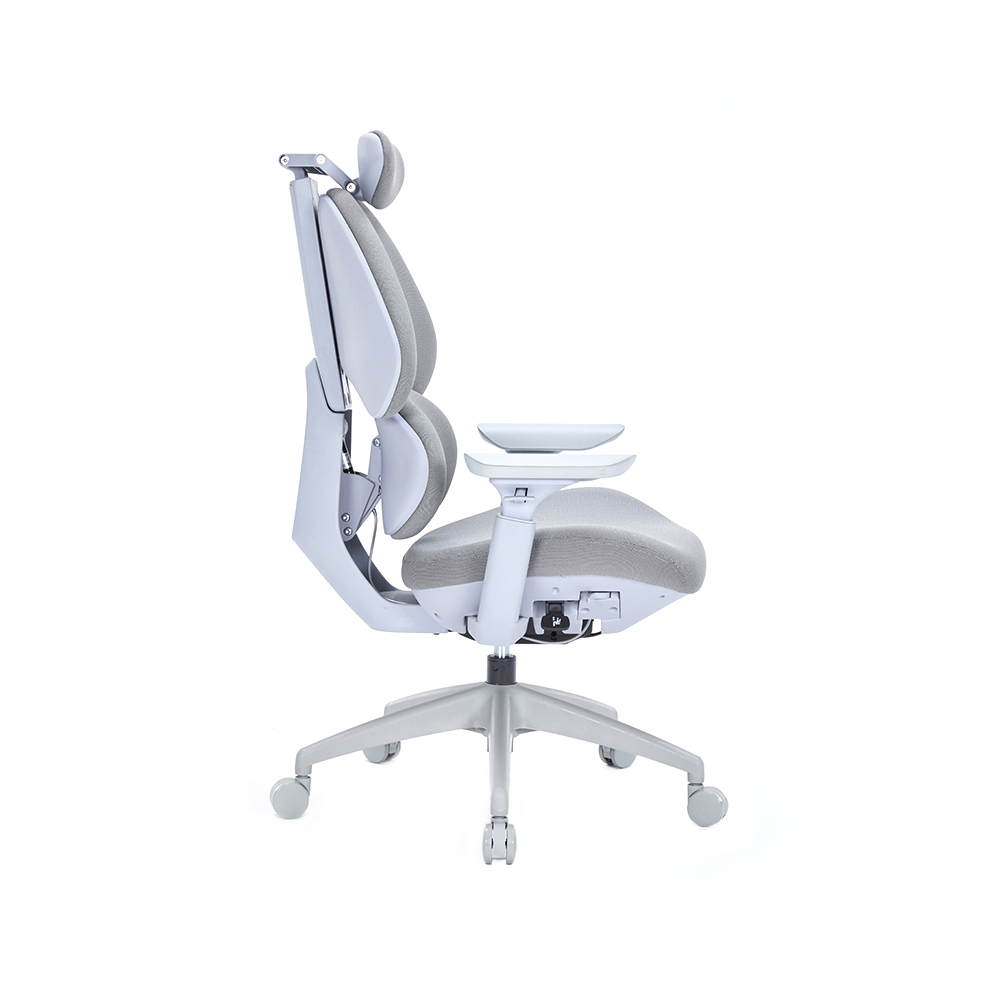 ZY-6812G Mesh Chair with 3D Adjustable HeadrestA 3D headrest and 3D armrests can be positioned for reading or long calls, while the mesh back and lumbar support suit desk work.View Product →
A headrest only earns its space when the recline passes about 110 degrees. At an upright typing posture it is dead weight behind the head; a height- and angle-adjustable headrest can be parked out of the way for keyboard work and brought in for reading or long calls.
Where the Budget Should Go, in Order
Split the budget before shopping rather than after: the allocation below is a sensible starting point for a first proper setup.
40-50%ChairHeight-adjustable seat, adjustable lumbar pad, 2D arms
20-30%DeskCorrect height first, sit-stand mechanism second
15-20%Screen and mountOne good panel plus an arm beats two average ones
The chair takes the largest share because it carries the most contact and the most adjustment. The desk takes second place because height is the only property that really has to be right; depth of 600 mm and a cable tray are conveniences, not comfort features.
A chair kept for eight years costs less per working hour than a chair replaced every two.
That is the argument for paying for the adjustment mechanisms rather than the badge on the back. Every extra adjustment point is a place where the chair can be matched to a different body, which also matters when a second person shares the desk on alternate days.
Five Mistakes That Undo a Good Setup
Most discomfort at a home desk traces back to one of five mistakes, and none of them costs money to fix.
- Buying the chair lastThe desk and screen are chosen first, then a chair is found that fits the leftover space. Reverse the order: the chair sets seat height, the desk follows, the screen follows the eyes.
- Setting the chair once and never againPosture drifts through the day. Two or three recline and height changes break up static load. Back height adjustment matters here as much as lumbar depth, since the backrest should reach the shoulder blades without pressing on them; models with a height-adjustable backrest make that a one-minute change.
- Placing the screen where the desk allowsA screen that sits 100 mm too low tips the head forward by roughly 5 degrees, which the neck muscles hold for hours. A monitor arm is usually cheaper than a new desk.
- Treating a laptop as a desktopWithout a riser and an external keyboard, every option is a compromise between the neck and the wrists.
- Ignoring light direction and cable dragGlare forces a lean forward; a cable caught under a chair wheel pulls the body sideways every time the user moves.
Twenty-minute audit: drop the seat 10 mm and check that the feet stay flat, then check the elbow angle with hands on the keys, then confirm the top line of text sits at eye level, then look for glare on the screen at midday and again at dusk. Four checks, four adjustments, no purchases.
FAQ
Adjust the chair, then the desk, then the screen, then the light
What is the single most important measurement in a home office?
Seat height. It sets the position of the pelvis and therefore everything above it; once the feet are flat and the hips are near 90 degrees, desk and screen height follow from that number.
Does a standing desk replace a good chair?
No. Standing is a change of posture, not a substitute for support. Most people stand for 30 to 45 minutes at a time and sit for the rest of the day, so the chair still carries the majority of the working hours.
How often should the setup be readjusted?
Any time the user, the task or the equipment changes. A new monitor, a different chair or a shared desk all move the reference points, and a five-minute reset costs nothing.
Can an ergonomic setup fix existing back pain?
It removes the load that a badly matched workspace adds, which helps many people, but it is not treatment. Persistent pain belongs with a clinician, and a chair should be chosen around their advice rather than instead of it.
QUICK LINKS
PRODUCTS
CONTACT & INFORMATION
-
 PHONE NUMBER
 -
 EMAIL
EMAILstellazhang@yimiga.com
-
 ADDRESS
No 366, Jingtu Road, Dipu Street, Anji County, Huzhou City, Zhejiang province, China. PC 313300.
CONNECT WITH US
Be the first to know about our news and updates.


Copyright © Zhejiang Zhongyi Furniture Co., Ltd.
All Rights Reserved.
 浙公网安备33052302000377号
浙ICP备14003933号-2
浙公网安备33052302000377号
浙ICP备14003933号-2
 Wholesale Ergonomic Chair Manufacturers