 English
 عربى
عربى Español
 中文简体
中文简体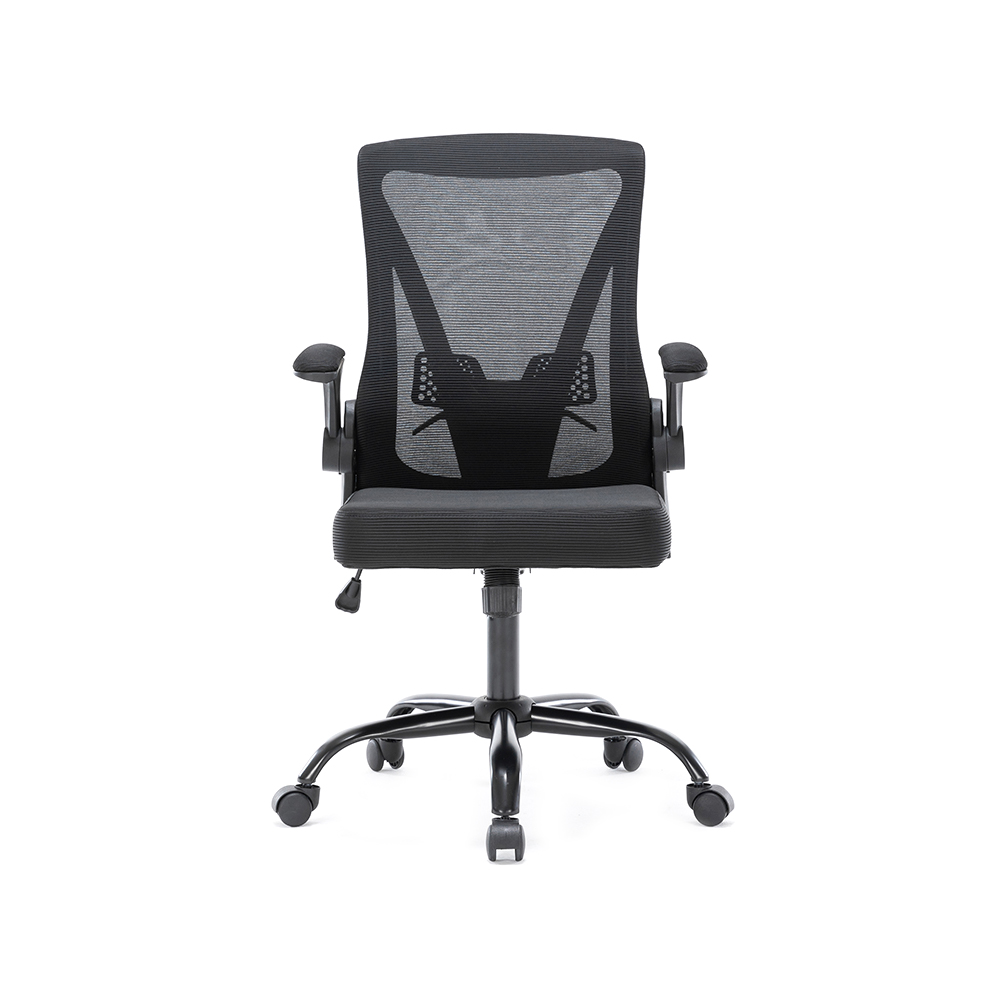
+86-0572-5888031

0
ENG
Adjustable Office Chairs: How to Choose the Right One for Your Workspace
 Home / Media / Industry News / Adjustable Office Chairs: How to Choose the Right One for Your Workspace
 Adjustable Office Chairs: How to Choose the Right One for Your Workspace
 2026.03.20
 Industry News
Content
- 1 Why Adjustability Is the Most Important Feature in an Office Chair
- 2 The Core Adjustment Points That Actually Matter
- 3 Adjustable Office Chairs by Category: What the Market Actually Offers
- 4 Common Mistakes When Buying an Adjustable Office Chair
- 5 How to Set Up an Adjustable Office Chair Correctly
- 6 Certifications and Standards Worth Checking
Why Adjustability Is the Most Important Feature in an Office Chair
The human body is not one-size-fits-all — and neither is the ideal sitting position. A chair that works perfectly for a 5'4" person will create strain for someone 6'2". Adjustable office chairs exist to close that gap, allowing users to fine-tune their seating position to match their unique body proportions and work habits.
Research from the National Institute for Occupational Safety and Health (NIOSH) consistently links poor seating ergonomics to musculoskeletal disorders — including lower back pain, neck stiffness, and repetitive strain injuries. These conditions account for over $50 billion in annual productivity losses in the U.S. alone. Adjustability directly reduces exposure to these risks by enabling neutral spine alignment, proper arm positioning, and adequate lumbar support.
The key insight: a chair is only ergonomic if it is correctly adjusted for the person using it. A high-end ergonomic chair left at its factory defaults offers little more benefit than a standard chair.
The Core Adjustment Points That Actually Matter
Not all adjustment features deliver equal value. The following are the adjustments with the greatest ergonomic impact:
- Seat height: Feet should rest flat on the floor with thighs parallel to the ground. A pneumatic height range of 16–21 inches accommodates most adults.
- Lumbar support height and depth: The lumbar curve should align with the natural inward curve of the lower spine, typically between L3 and L5. Adjustable lumbar support — not just a fixed foam bump — is critical for users with varying torso lengths.
- Armrest height, width, and pivot: Arms should rest at a 90° angle with shoulders relaxed. Width and pivot adjustments are essential for users who frequently alternate between keyboard work and writing.
- Seat depth: There should be a 2–3 finger gap between the front edge of the seat and the back of the knee. Inadequate seat depth cuts off circulation; excess depth forces users to slouch forward.
- Backrest recline and tension: Locking recline angles between 90° and 120° let users shift posture throughout the day, reducing static load on the spine.
Chairs that offer all five of these adjustments are often categorized as "fully adjustable" or "multi-function" office chairs, and they represent a significantly better investment than models that only adjust seat height.
Adjustable Office Chairs by Category: What the Market Actually Offers
Understanding the product landscape helps buyers match their needs to the right category:
| Category | Typical Adjustments | Best For | Price Range (USD) |
|---|---|---|---|
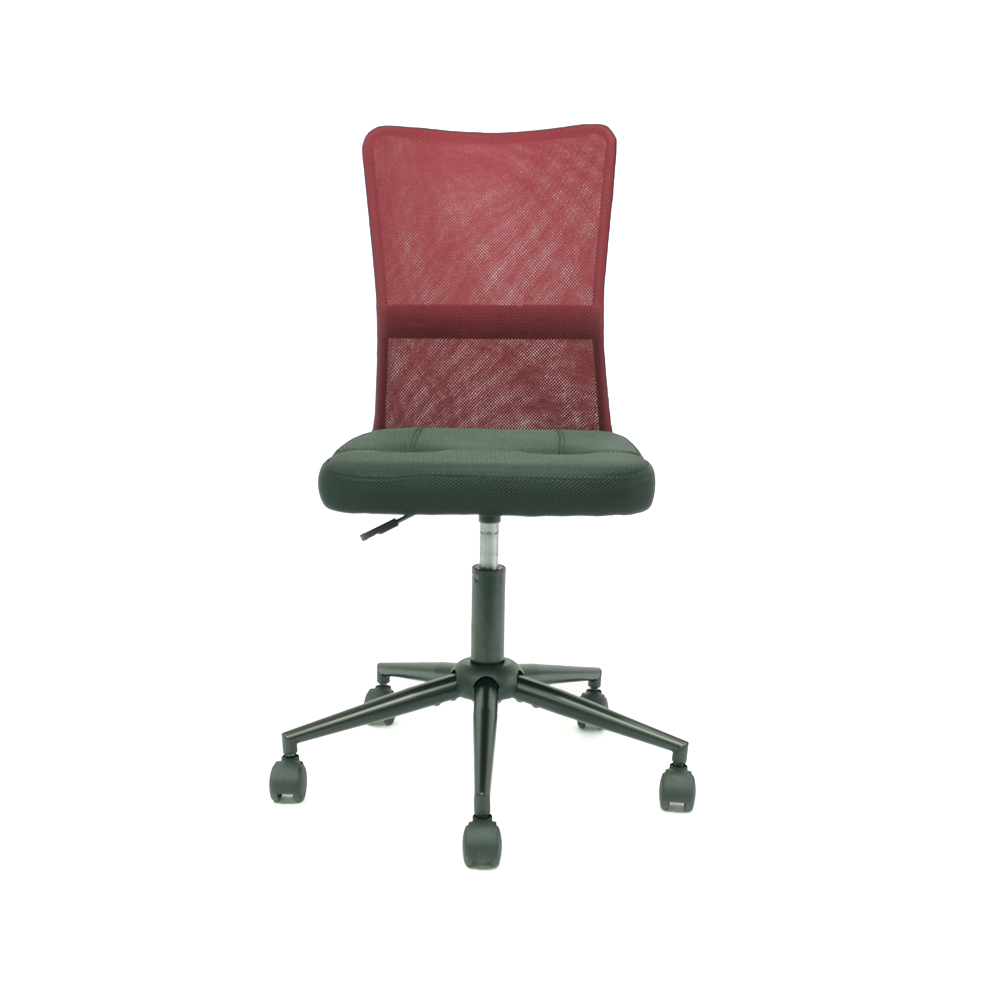
| Basic Ergonomic | Height, fixed lumbar | Home offices, light use | $100–$250 |
| Mid-Range Multi-Function | Height, adjustable lumbar, armrests, recline | Full-time remote workers | $300–$600 |
| High-End Ergonomic | Full 5+ adjustments, dynamic lumbar, seat depth | Corporate offices, extended desk hours | $700–$1,500+ |
| Task Chairs | Height, limited recline | Meeting rooms, short-duration use | $80–$300 |
| Executive / Big & Tall | Extended height/weight range, padded armrests | Larger frames, executive settings | $300–$1,200 |
Common Mistakes When Buying an Adjustable Office Chair
Even well-informed buyers frequently fall into these traps:
Prioritizing appearance over function
Mesh backs, premium upholstery, and polished aluminum bases are appealing — but they tell you nothing about the quality of the lumbar mechanism or the armrest range of motion. Always test the adjustment points before purchasing, or confirm return policy before buying online.
Ignoring weight and height capacity
Most standard office chairs are engineered for users between 5'4" and 6'0" and up to 250 lbs. Users outside this range should specifically seek chairs with extended seat height ranges or reinforced frames rated for higher weight capacities — not simply buy larger versions of standard models.
In hot-desking or shift-work environments, every user needs to be able to quickly reset the chair to their own settings. Chairs with complex or tool-required adjustments are impractical in shared spaces. Prioritize models with clearly labeled, tool-free levers for all main adjustments.
Overlooking the floor surface
Hard casters on hardwood floors cause unintended rolling; soft casters on carpet reduce mobility. Many premium adjustable chairs now include dual-wheel casters that adapt to both surfaces — worth confirming before purchase.
How to Set Up an Adjustable Office Chair Correctly
Buying the right chair is only half the equation. Correct setup is where ergonomic benefit is actually realized:
- Start with seat height. Sit with both feet flat on the floor. Adjust height until your knees form a 90°–100° angle. If feet don't reach the floor, use a footrest rather than raising the seat.
- Set seat depth. Slide the seat pan so that 2–3 fingers fit between the front edge and the back of your knees.
- Adjust lumbar support. Position it to fill the natural inward curve of your lower back without pushing your upper body forward.
- Configure armrests. Set height so your elbows rest comfortably at 90° with shoulders relaxed and not raised. Adjust width so arms don't flare out or press in.
- Set recline tension. Recline tension should allow natural movement without the chair feeling unstable or too stiff to lean back during phone calls or breaks.
Reassess your setup every few months, especially after changes in footwear, workstation height, or monitor position — all of these affect the optimal chair configuration.
Certifications and Standards Worth Checking
Reputable adjustable office chairs are validated against recognized industry standards. When evaluating products, look for:
- BIFMA (Business and Institutional Furniture Manufacturers Association): The primary North American standard for commercial furniture durability, stability, and structural integrity. BIFMA X5.1 specifically covers office seating.
- ANSI/HFES 100: American National Standard addressing ergonomic requirements for computer workstations, including chair specifications.
- GREENGUARD Gold: Confirms low chemical emissions — relevant for shared or enclosed office environments.
- EN 1335 (Europe): European standard for office chairs, with classifications A, B, and C based on usage intensity and user size range.
Chairs carrying these certifications have been independently tested — a meaningful signal of quality, particularly when sourcing for large office deployments where individual testing is not practical.
QUICK LINKS
PRODUCTS
CONTACT & INFORMATION
-
 PHONE NUMBER
 -
 EMAIL
EMAILstellazhang@yimiga.com
-
 ADDRESS
No 366, Jingtu Road, Dipu Street, Anji County, Huzhou City, Zhejiang province, China. PC 313300.
CONNECT WITH US
Be the first to know about our news and updates.


Copyright © Zhejiang Zhongyi Furniture Co., Ltd.
All Rights Reserved.
 浙公网安备33052302000377号
浙ICP备14003933号-2
浙公网安备33052302000377号
浙ICP备14003933号-2
 Wholesale Ergonomic Chair Manufacturers